As I was browsing through my morning reading recently, I came across this nifty navigational demo on the codyhouse.com website. I think this makes a nice addition to an online course so I crafted a quick example in Storyline.

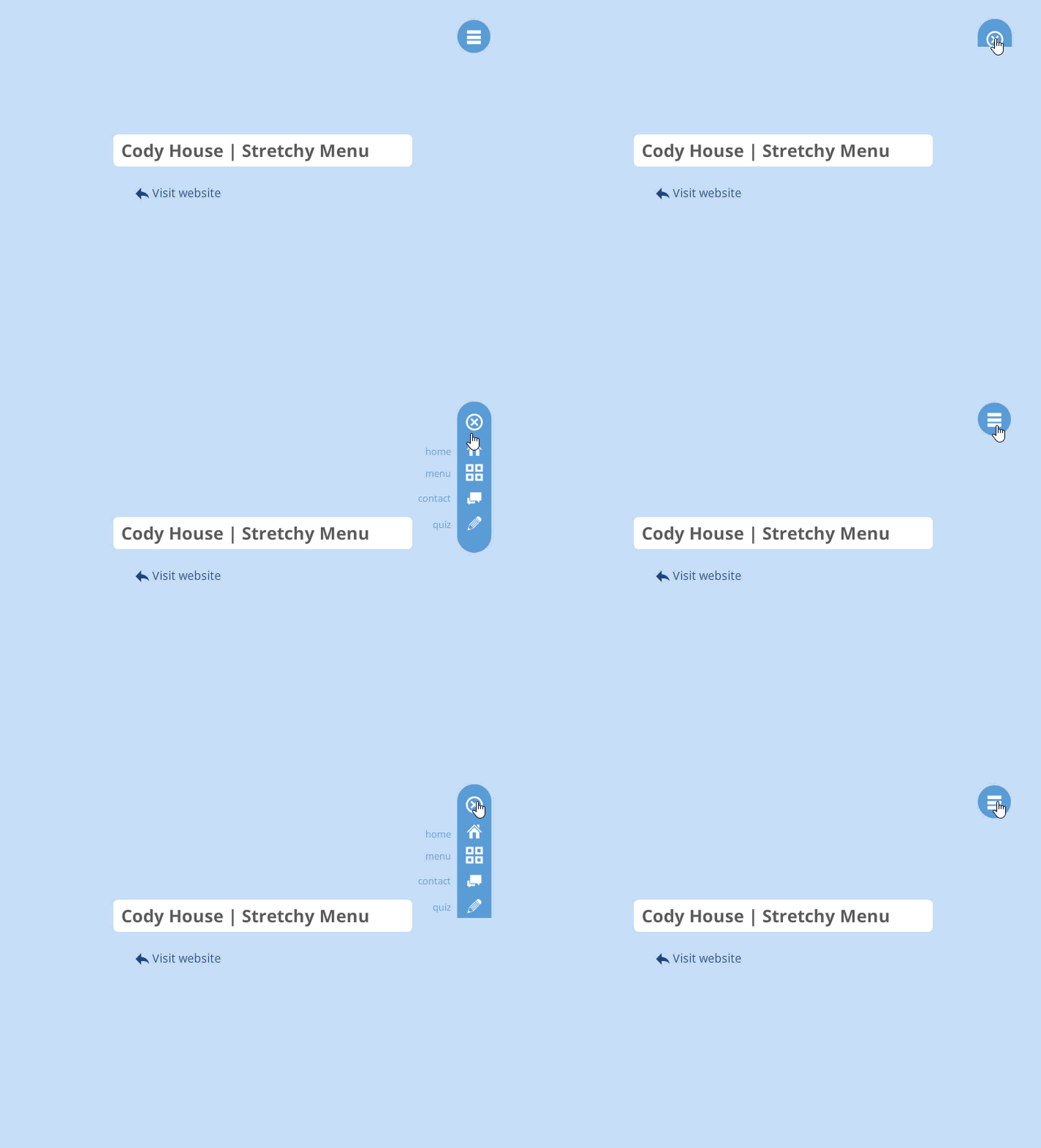
As I was browsing through my morning reading recently, I came across this nifty navigational demo on the codyhouse.com website. I think this makes a nice addition to an online course so I crafted a quick example in Storyline.
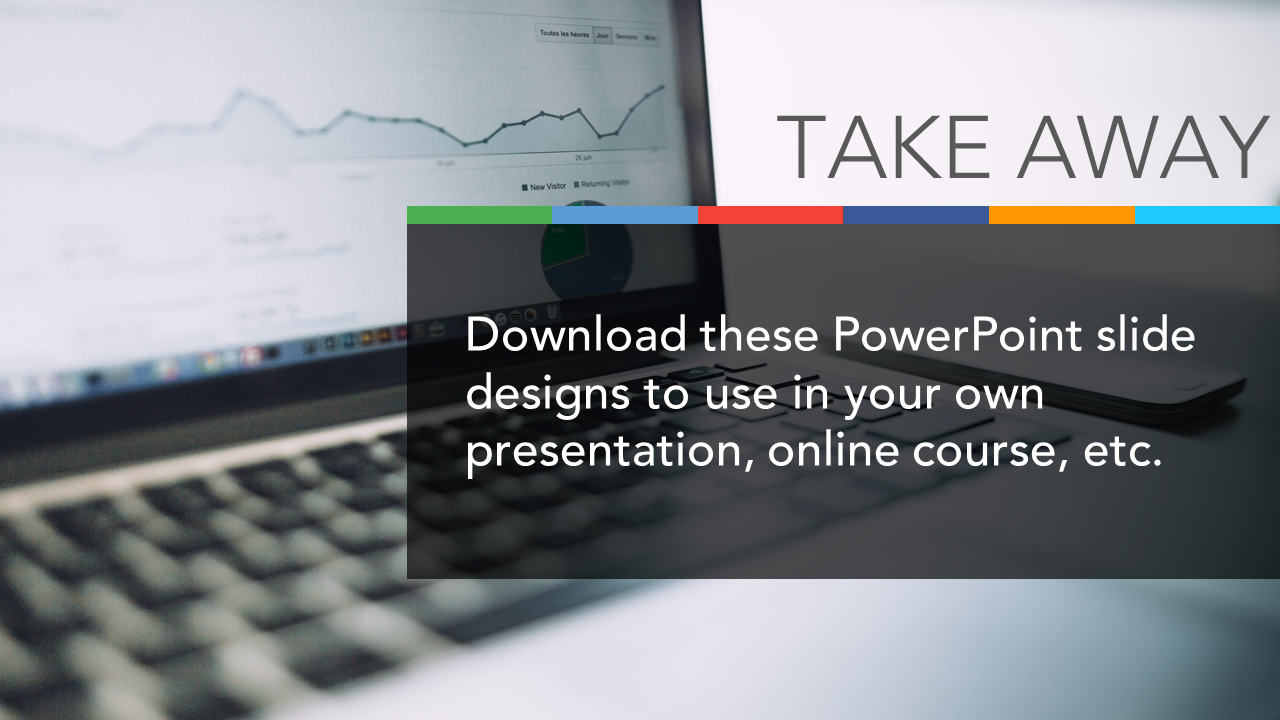
As I recently cleaned out some old files, I came across these PowerPoint slide designs that I never used. Since its International Work Out Loud Week I thought I’d share these for anyone who might be able to use them for a presentation or online course.


If you’re anything like me, you love anything that enables you to do things more efficiently. (And who doesn’t like that?) So with that in mind, I’d like to share the Quick Access Toolbar (QAT) that I use in PowerPoint.
The QAT is basically your own personalized toolbar that puts all your favorite and most used functions in a single, easy to access place. No more extra clicking to find the right tab or sub-menu!
Another cool thing about them is that you can share them with others. So here is mine. It will give you a big head start and you can always tweak this to suit yourself after you get it.
Go ahead and grab a copy. It takes about 2 seconds to import it and you’re off to the races! If you need instructions for importing this into your PowerPoint set up, you can get them here.

Download my PowerPoint toolbar
I got my own headstart from Bright Carbon , Tom Kuhlmann and slidor.
Here are a few other things you may be interested in if you start playing around with your own Quick Access toolbar. Note that this works the same way in other applications including Word, Excel, Articulate Storyline and others.
How to Create a Customized E-learning Toolbar in Articulate Storyline
I’m a big fan of Evernote’s screenshot tool, Skitch. If you take many screenshots you should definitely check it out – for a free app it is hard to beat. One of the things I like about it, are the great looking, built in icons. For a recent project, I wanted to use a similar style icon set, but needed more options and sizes that what is available in Skitch. So I created several version in PowerPoint and thought I’d share them in case they’re useful for anyone else.
I used the free Sosa font, but you can use any other font or icon images you want.

Feel free to grab a copy of my PowerPoint file and use them for any of your own projects. | https://app.box.com/SkitchIcons
Merry Christmas!
This is in response to a good thread in Articulate’s Elearning Heroes community about “Creative Ways to Include Links”
Here are a few ways that I’ve incorporated documents and attachments in presentations / courses:
This document graphic is from one of Tom Kuhlmann’s blog posts. In the post he shows how he built it along with providing a downloadable copy.
Plain Document:

I usually drop a screenshot of whatever document I ‘m referencing on top of this….which leads to something like this:
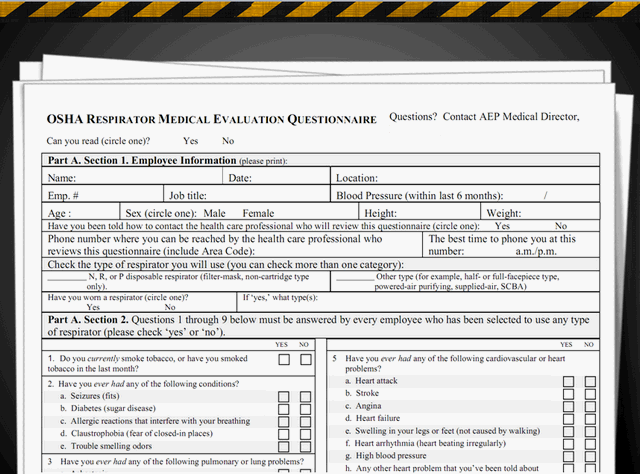
At the end of a course I’ve used multiple smaller versions that are animated with each document rising out of a pocket which is then linked to the actual document.
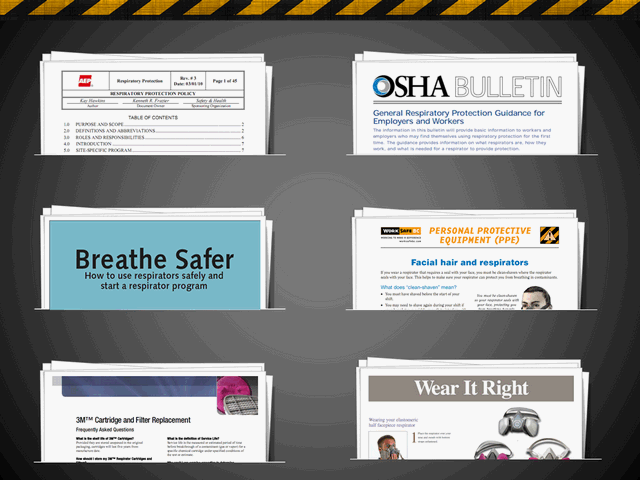
If you’re interested here is a PowerPoint file containing these examples.
and an Articulate published demo.
You must be logged in to post a comment.