
Sign up here to get Friday Finds in your inbox every Friday.
“Happiness and freedom begin with a clear understanding of one principle: Some things are within our control, and some things are not.” — Epictetus
This is a friendly heads-up that I’m moving to a new email platform for this newsletter. You should have already received a duplicate email from the new platform last week.
This week, you’ll get another duplicate email from both my old and new service. After this week, all future emails will come from my new one only.
If you haven’t seen the email from my new platform yet, please reply to this email to let me know.
Thanks for reading!
🎶 What I’m Listening To
Since I was just in Maine and he has a great song by that name, I’ve been listening to Noah Kahan this week.
👆 Last Week’s Most Clicked
📰 News & Notes
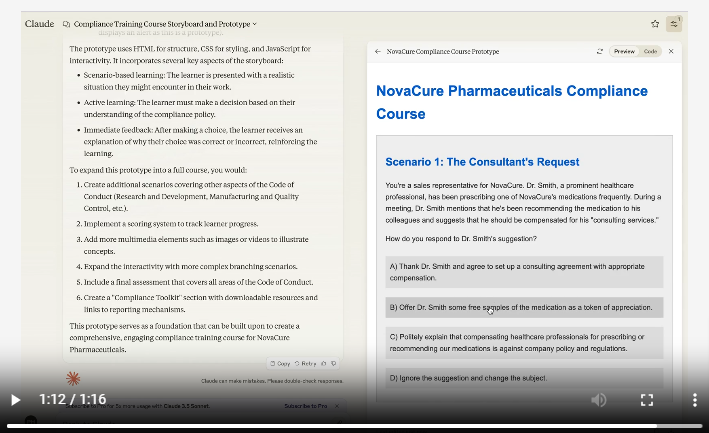
How I Used AI to Turn a Document into a Course Storyboard & Prototype in <10 Mins
Dr. Philippa Hardman shares an innovative approach using AI to transform a dense document into a comprehensive study guide. By leveraging AI tools, she streamlined the content organization, enhanced readability, and created interactive elements that engage learners effectively. This method not only saves time but also improves the overall learning experience by making complex information more accessible and manageable.
🎯 Take away: AI can turn dry documents into engaging, user-friendly content, revolutionizing the way we approach learning design.
How to Highlight Text for Clarity When Designing a Presentation
In this video, Nolan Haims shares practical tips for highlighting key text in presentations. He demonstrates how minor copy edits and strategic re-arranging can effectively draw attention to important information, making your slides more impactful and focused.
🎯 Take away: Learn these simple tips to make key text in presentations stand out through minor copy edits and re-arrangements.
The Elegant Strategy To Overcome “Information Overload” (And How To Do It Almost Overnight)
Struggling with information overload? The solution may lie in categorizing info into three buckets: knowledge, entertainment, and implementation. Focus on enjoying knowledge and entertainment without feeling the need to remember or act on everything. For implementation, prioritize small, actionable items to keep things manageable and productive. This simple strategy helps you stay relaxed and effectively handle the flood of information.
🎯 Take away: Manage information overload by categorizing inputs and prioritizing actionable items.
Do you want great leaders in your organization?
The legendary American football coach Vince Lombardi once said, “Leaders aren’t born; they are made.” But how are they made? Find out how to leverage leadership training to grow great leaders!
🧰 Tech Tools & Tips
If tools are your jam, check out my new Work Smarter newsletter.
Sender: Email Marketing Software
Kickstart your email campaigns with Sender’s free plan offering 15,000 monthly emails. All the features, none of the cost!
.
PodSnacks
Love podcasts but don’t have time to listen to them all? PodSnacks will send you summaries so you can keep up and dive into the ones that pique your interest.
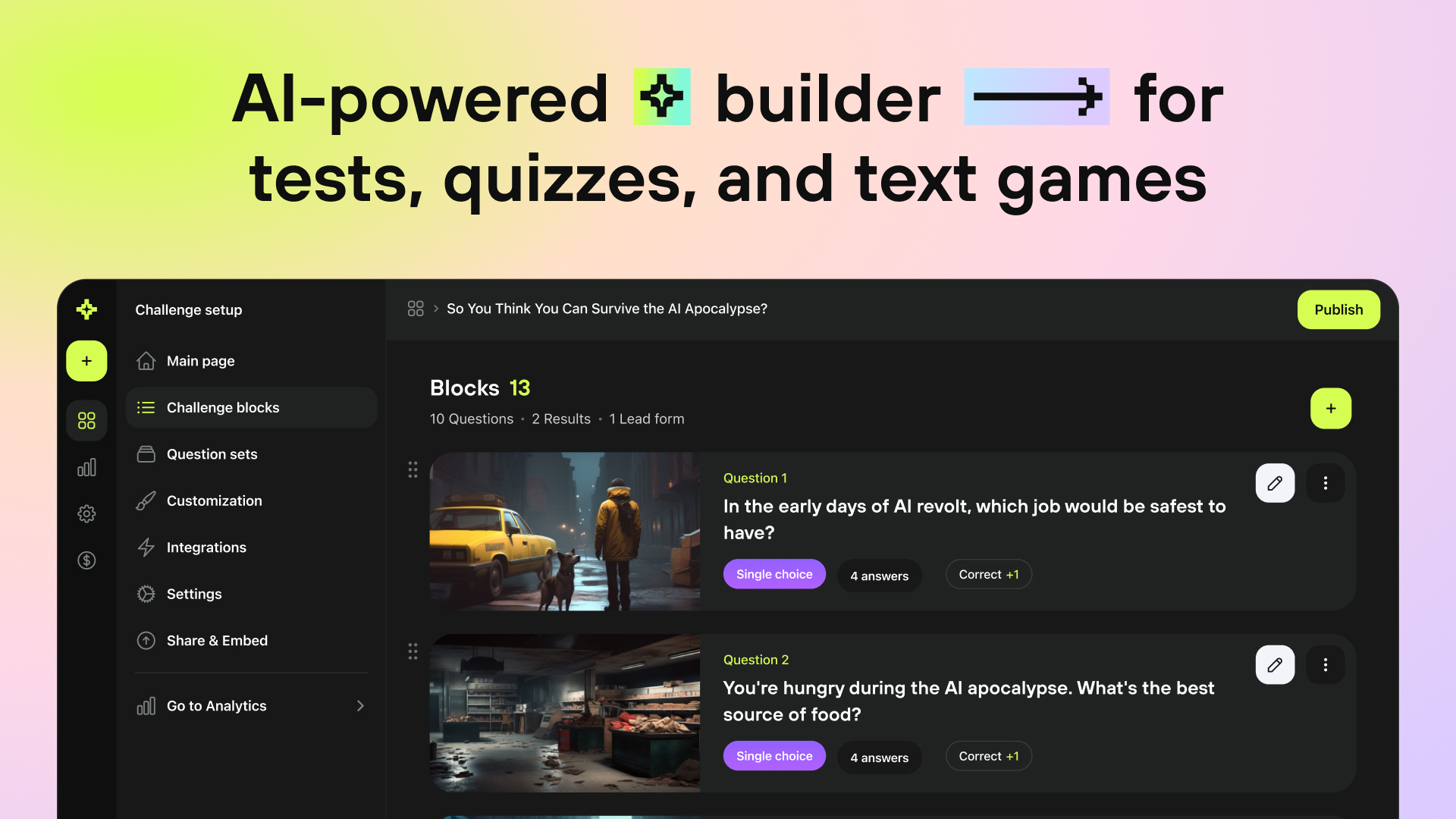
Create interactive content in minutes without limits. Transform your content with AI-powered quizzes and tests – drive learning, engage audiences, and boost your L&D results.
🎧 Podcast
This is the conversation that caught my ear this week. Check out previous episodes in the Friday Finds podcast playlist.
Organisational Learning Communities With Andy Lancaster
In this episode, Andy Lancaster discusses learning communities and how we need to empower different types of learning communities. Learning communities share knowledge, spearhead practice, solve problems, seed innovation, and supercharge development.
sponsored
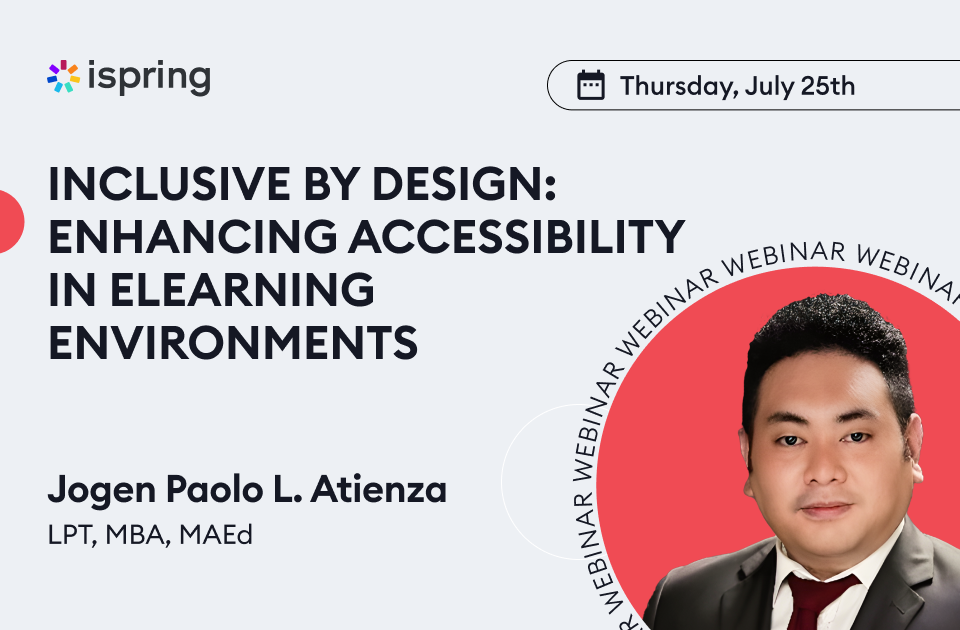
Inclusive By Design: Enhancing Accessibility in Elearning Environments
Do you want to create learning experiences that embrace diversity and accessibility holistically?
Then join the upcoming webinar with Jogen Paolo L. Atienza, an experienced Learning and Organizational Development Professional, Instructional Designer, and eLearning Developer. You’ll discover how to build an inclusive design strategy and transform your eLearning platforms into truly inclusive spaces.
Here’s what Jogen will cover:
- The differences between integration and inclusion in accessibility.
- The best practices for designing accessible eLearning materials.
- Inclusive design principles to enhance the user experience for all learners, and more.
When: Thursday, July 25, at 11:00 AM ET.
🧳 Where’s Mike?
- Elai EdTalks Live Podcast, July 22
- SANS Security Awareness: Managing Human Risk Summit 2024, Online, August 1
- Greater Cincinnati ATD, Online, September 4
- DevLearn, Las Vegas, November 6-8
If you or your event needs a speaker or workshop that is highly interactive and super practical, we should talk.
Like this post? Share it with someone you love. Don’t like it? Share it with someone you don’t!
Friday Finds is an independent publication that I produce in my free time. You can support my work by sharing it with the world, booking an advertising spot, or buying me a coffee.
 Mike Taylor