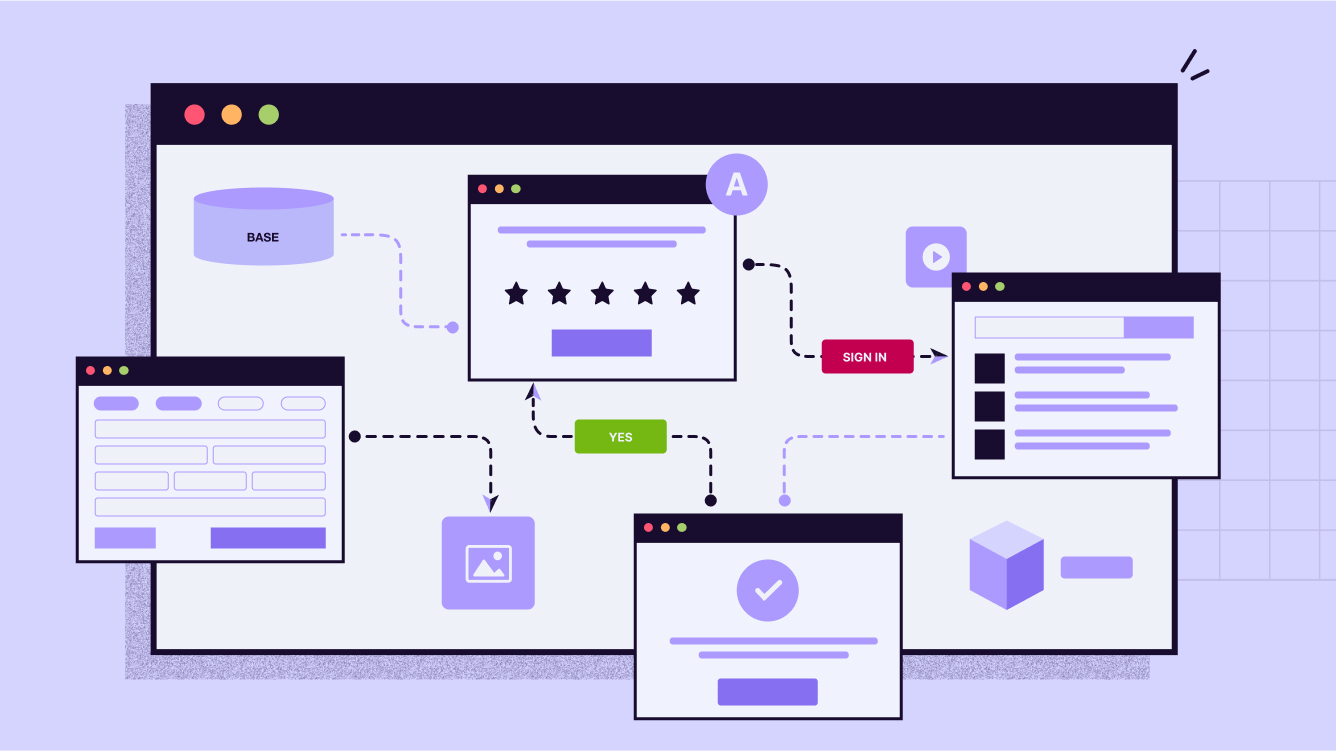
If you’ve never heard of workflow automation, don’t worry—you’re not alone. The phrase sounds like corporate jargon, but at its heart, it’s simple: workflow automation means teaching your tools to do the boring, repetitive steps for you—automatically.
What Is Workflow Automation?
Imagine you’re making coffee. Normally, you grind beans, fill the filter, measure water, press a button, and wait. Now imagine a smart coffee machine that handles everything the moment you stumble into the kitchen. You just pour your cup.
That’s what automation does for digital work. Instead of you downloading files, copying text, or sending the same email over and over, your tools do it in the background.
- Without automation: You export a training survey from one tool, clean it in Excel, upload it to another. Repeat.
- With automation: The moment someone submits the survey, it flows into the right spreadsheet, cleaned and ready. You never touch it.
It’s not magic or coding. It’s just connecting your apps so that when this happens, do that. And it frees you up for the work humans are best at—designing, teaching, and coaching.
Tools That Make It Possible
The good news: you don’t need to be a programmer. A few popular workflow automation tools handle the connections for you:
- Zapier – user-friendly, connects 7,000+ apps, perfect for beginners.
- Make – more advanced, great for visual builders who like flexibility.
- Microsoft Power Automate – especially good if your org already runs on Microsoft 365.
Pick one, connect your favorite apps, and you’re off to the races.
5 Smart Things L&D Pros Can Automate
1. Learner Data Collection → Live Dashboards
Web form responses (Google Forms, Tally.so, etc.) flow straight into Google Sheets and update a Looker dashboard in real time.
👉 Result: You see live learner data without touching Excel at 11 p.m.
2. Personalized Follow-Ups Without Copy-Paste
Gmail sends tailored follow-ups based on form responses or quiz scores.
👉 Result: Every learner gets the right nudge, and you never retype a message.
3. Training Sessions That Build Their Own Resource Hubs
Adding a session to Google Calendar triggers Drive to create a folder, load templates, and share the link in the invite.
👉 Result: Every session comes pre-packaged with resources, ready to go.
4. Feedback That Doesn’t Sit in a Drawer
Survey responses drop into Sheets, where low scores trigger an alert to your inbox. Positive comments flow into a “wins” log.
👉 Result: You act on feedback immediately, not after the program is over.
5. Automatically send a drip campaign
A workflow tool captures the learner’s email and automatically starts them in a spaced drip campaign to support and enhance your learning goals.
👉 Result: The learning mpaign runs in the background without you needing to lift a finger.
How to Get Started
- Pick your biggest annoyance. Maybe it’s exporting survey data or remembering to send follow-up emails.
- Choose a tool. Zapier, Make, or Power Automate are all safe bets.
- Set up a trigger. Example: When someone submits a Tally.so form…
- Add an action. Example: …then add the response to Google Sheets.
- Test it. Run it once, check your sheet or inbox, and confirm it works.
- Expand gradually. Once you’ve nailed one workflow, chain a second step (e.g., “and then email the learner a thank-you”).
A Visual Starter Map
Here’s what your very first automation could look like (easy to turn into a simple diagram for the blog):
[ Tally.so form submitted ]
        ↓
[ Google Sheets row created ]
        ↓
[ Gmail sends confirmation email ]
That’s it: trigger → action → action. Three steps, no coding, and you’ve saved yourself hours of repetitive admin.
Why It Matters
Automation doesn’t replace the human side of L&D. It protects it. By clearing away the repetitive chores, you get more space for the creative, relational, and strategic parts of your job.
Here’s the rule of thumb: if you catch yourself doing the same task for the third time—downloading, pasting, renaming—it’s a candidate for automation. Set it once, and let your tools work for you.
If your in or near the central Ohio area, I’ll be leading a session on all this stuff September 9 at the Central Ohio ATD Annual Conference. Come join us!
 Mike Taylor