
These days, it seems we are all crunched for both time and money. We’re trying to do more with less and still continue to get ever improving results. In the course of navigating this challenge myself, I’ve compiled a list of “go to” design resources. There are the places I start when I need designContinueContinue reading “The Road to Finding the Best Stock Photos Starts Here”
Category Archives: design
Friday Finds | June 9
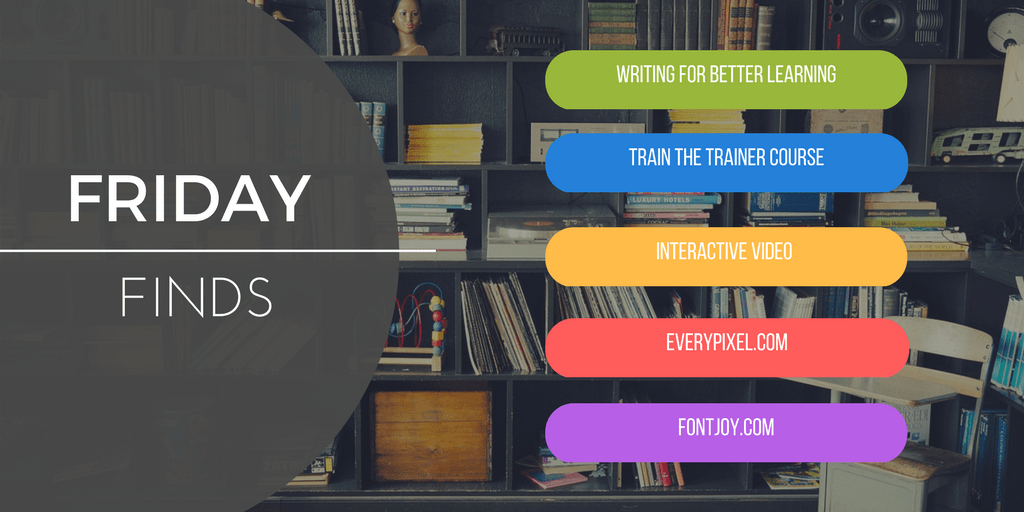
This week, I’ve found a huge motherlode of great things to share with you. Don’t want to wait until Friday for a peek at what I’m finding? Subscribe to my daily newsletter. Write and Organize for Deeper Learning: 28 evidence-based and easy-to-apply tactics that will make your instruction better for learning (Make It Learnable) TheContinueContinue reading “Friday Finds | June 9”
The Secret to Working with Vector Graphics in PowerPoint

Many people don’t realize that PowerPoint can be a suitable option for working with vector graphics. Tom Kuhlmann has a nice post on working with .EPS files in PowerPoint. Unfortunately, a recent update has disabled the ability to insert .EPS graphics into Office documents. While there are a number of different types of image formats,ContinueContinue reading “The Secret to Working with Vector Graphics in PowerPoint”
Friday Finds

After last week’s holiday adventure to Canada, I’m back with another round up of the best things I’ve found this week. Don’t want to wait until Friday to get a peek at what I’m finding? Subscribe to my daily newsletter. Simple Project Management What I like about this article is how simple Jess Eddy’s approachContinueContinue reading “Friday Finds”
The Art & Science of E-learning
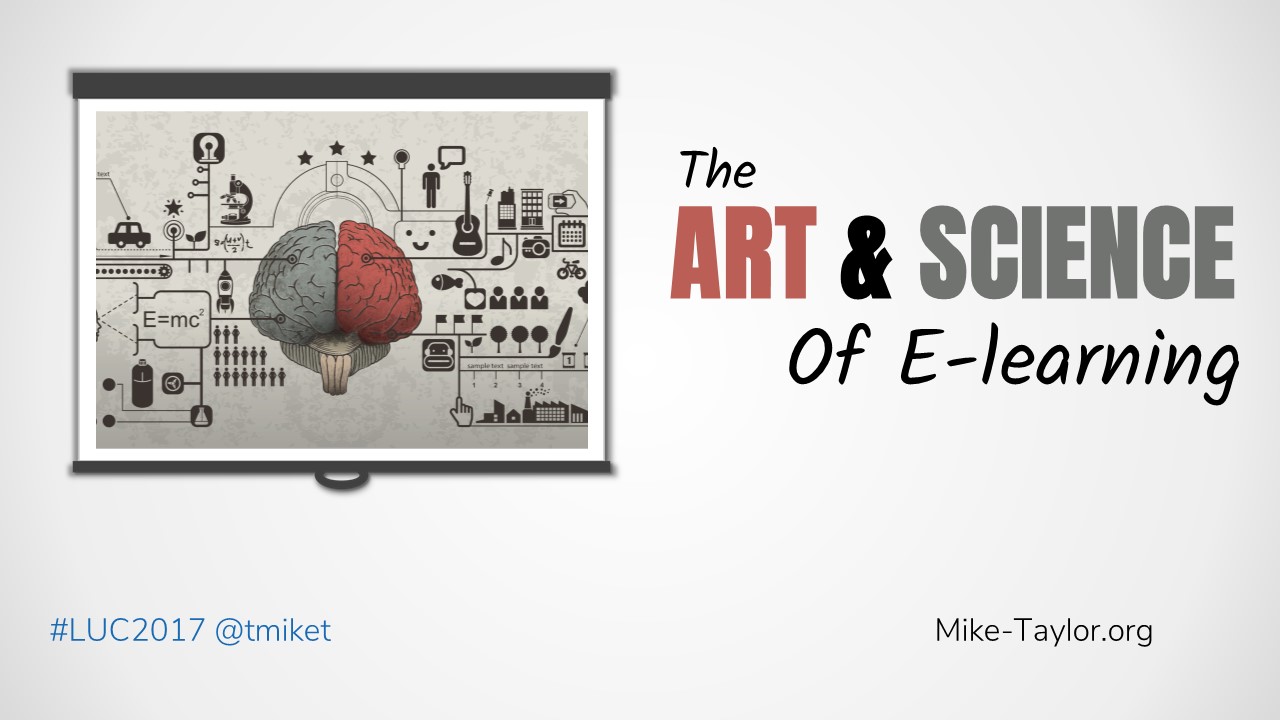
This was a fun 7-minute “lightning talk” I gave today at the Lectora User Conference in Cincinnati, Ohio. If you’d like me to send you the links and resources contained in this talk, just drop your email here. UPDATE: You can catch the webinar version over on the Lectora site. Links & Resources: Performance Consulting:ContinueContinue reading “The Art & Science of E-learning”
Free PowerPoint Visual Resume Template

Are you looking to stand out from the crowd? A visual resume might be something you should consider. To that end, here is a template created with PowerPoint that will give you a nice head start and help you avoid starting from scratch and recreating the wheel. https://app.box.com/s/jwq8qiesl8r65ybyfis3l56yqp7anakw Don’t forget that you can easily change theContinueContinue reading “Free PowerPoint Visual Resume Template”
12 Super Useful Cheatsheets & Job Aids

Learning & Instructional Design Multimedia Learning Design Principles Based on Richard Mayer’s http://www.slideshare.net/tmiket/multimedia-learning-design-principles Gagne’s Nine Events of Instruction Anyone who designs any kind of learning materials should bookmark this interactive guide to Robert Gagne’s Nine Events of Instruction created by Montse Anderson (@mlearning) Multimedia Learning Design Resources This collection of resources will give you aContinueContinue reading “12 Super Useful Cheatsheets & Job Aids”
12 Incredibly Useful Blogs for Learning Cool Stuff

It is no secret that I’m a huge proponent of learning. I make time every day to learn something new and am always on the lookout for useful takeaways from my experiences. One of the coolest things about learning is when you find something super useful and learn something you didn’t even know you needed toContinueContinue reading “12 Incredibly Useful Blogs for Learning Cool Stuff”
Where to Find the Best Presentation Templates & Design Inspiration

At some point, nearly everyone needs to design slides. Whether for an online elearning course, a training workshop, a conference presentation, a sales pitch or a whole host of other reasons you always want to look your best. Instead of staring at a blank screen trying to come up with ideas, why not tap into someContinueContinue reading “Where to Find the Best Presentation Templates & Design Inspiration”
Pimp My PowerPoint

When you’re working on building a presentation in PowerPoint you’re going to want some really great looking images that are right at your fingertips right? Instead of bouncing back and forth between multiple browser tabs and your slides, wouldn’t it be nice if everything you need was right there in PowerPoint? Well, you’re in luck!ContinueContinue reading “Pimp My PowerPoint”
 Mike Taylor
You must be logged in to post a comment.