Recently, while reading some web development articles I came across this cool animated menu and thought it would make a cool elearning course menu. I took a few minutes to recreate it and this is how it turned out. Add a cool, appealing intro slide in front and this could make a nice opening sequence forContinueContinue reading “Free Download: Storyline Menu Template”
Category Archives: learning
A Few Things L&D Should Steal From Marketing

We may not realize it, but as learning professionals, we have a lot of things in common with marketers. We both face one big challenge: How to get people’s attention and help them think and act in new ways. So what can we learn from marketing teams? As it turns out, a lot. In today’sContinueContinue reading “A Few Things L&D Should Steal From Marketing”
3 Steps to Build Visibility & Credibility

I’ve been invited to talk with people currently in the capstone course of my San Diego State Learning Design and Technology graduate program. The main thing I plan to share with them are the three things I think will help them the most as they advance into or further along with their careers. Do the ‘Reading’ContinueContinue reading “3 Steps to Build Visibility & Credibility”
My Top 10 Learning Tools for 2016
The voting for Jane Hart’s 2016 edition of the Top 100 Learning Tools is winding down and here are my own Top 10. It’s hard to believe this is my 10th year participating and it’s interesting to compare this year’s list to my first one back from 2007. 1. Twitter [ Personal & Professional LearningContinueContinue reading “My Top 10 Learning Tools for 2016”
Need a scanner? Try your phone

Once upon a time, people had visions of a paperless society. At some point, I may even have been one of them. Alas! No such luck. While the number of paper forms, etc we have to deal with is significantly less than it used to be, there always seems to be that odd time that we needContinueContinue reading “Need a scanner? Try your phone”
Friday Finds

It’s been awhile since my last post on new things I’ve discovered. So here are some things that I’ve collected since then including: Sortd: a super useful task list skin for Gmail Office Lens: a mobile app that lets you translate photos of documents into editable Word and PowerPoint Photopea: a free, online graphics editorContinueContinue reading “Friday Finds”
Converting Keynote to PowerPoint
Every once in awhile I find a great looking Keynote slide deck, like these over at Site2Max, and I think how great it would be to bring it over into PowerPoint to customize it. Fortunately, there is a super simple and free way to do just that – even if you don’t have access to theContinueContinue reading “Converting Keynote to PowerPoint”
PowerPoint Design Elements
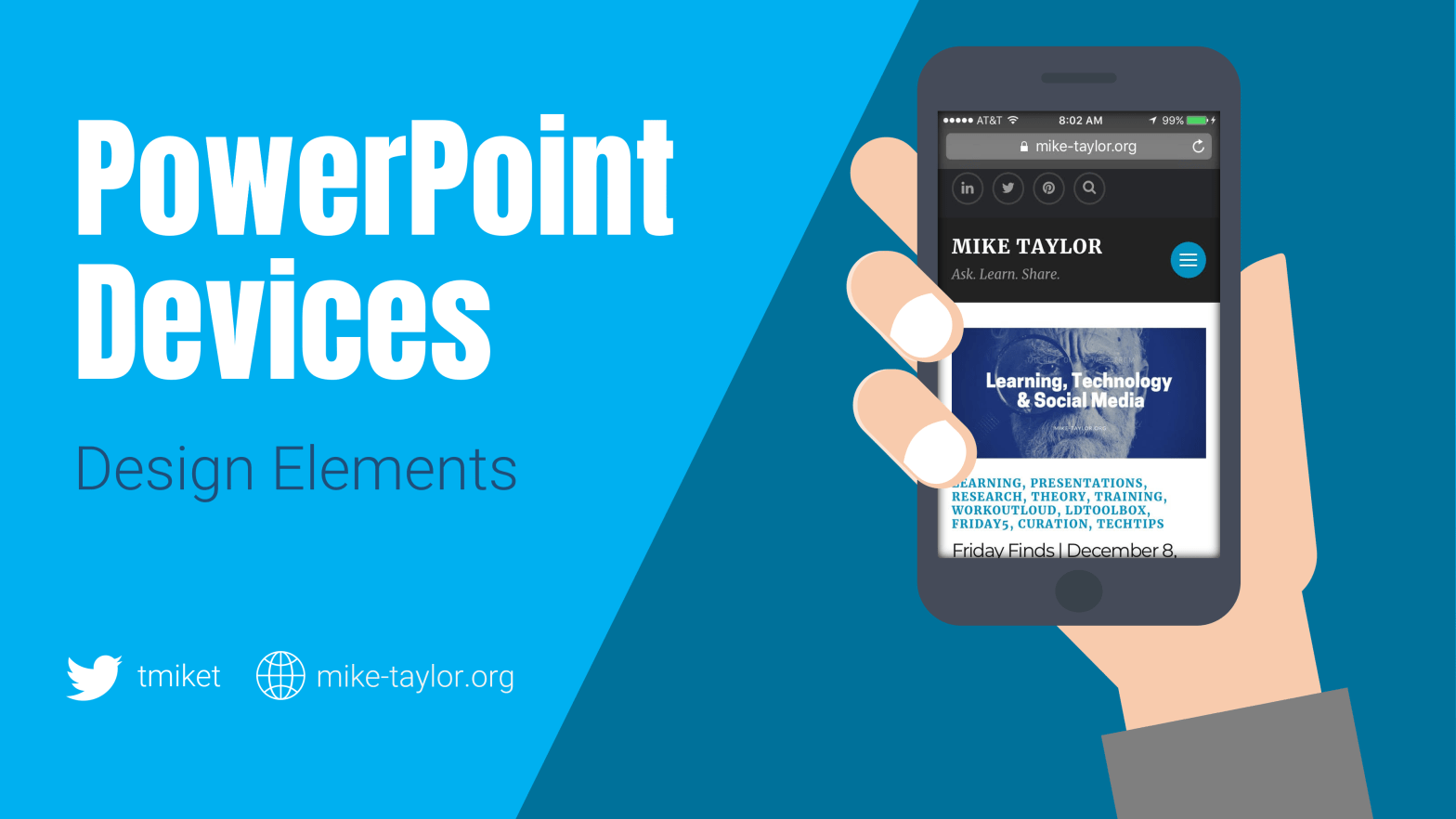
I do about 95% of my graphics creation and editing in PowerPoint. I also have some common design elements that I reuse in a variety of different contexts that I keep close at hand in a PowerPoint file. Here are a few that I think are useful for anyone – I use them all theContinueContinue reading “PowerPoint Design Elements”
Using PowerPoint to Create Video & Interactive ‘E-books’
Video This video was created entirely in PowerPoint and simply exported as a video. Take a look. You might be surprised by the motion graphics and other things you can do. https://www.youtube.com/watch?v=xE_kth2K9Xs If you give this a try, you’ll definitely want to know this great tip from Bright Carbon about that will show you howContinueContinue reading “Using PowerPoint to Create Video & Interactive ‘E-books’”
You Already Know How to Build mLearning (You Just Don’t Know It)
Here are the slides from my recent FocusOn Learning session in Austin, TX You Already Know How to Build mLearning (You Just Don’t Know It) A big thank you to everyone who was there and feel free to share it with others!
 Mike Taylor
You must be logged in to post a comment.