
The reading is what we call it when you do the difficult work of learning to think with the best, to stay caught up, to understand. If you haven't done the reading, why expect to be treated as a professional?
12 Apps of Christmas-Day 12 -Chrome Remote Access
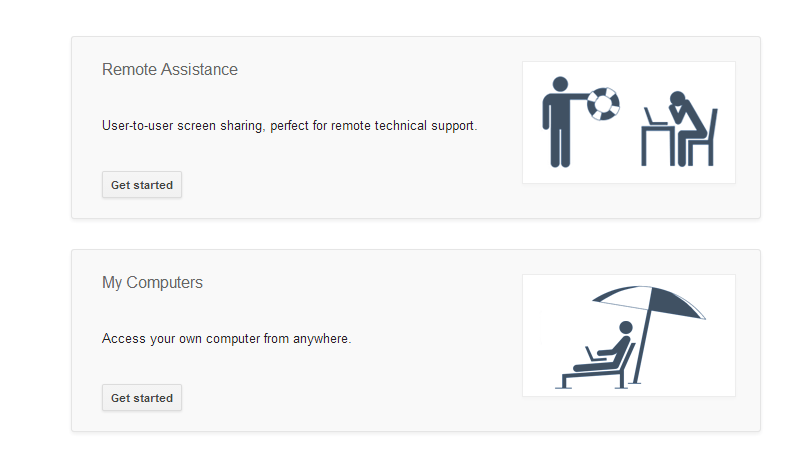
Day 1 – Hemmingway App (Writing app) Day 2 – PollEverywhere (PowerPoint audience participation add-in) Day 3 – The Great Suspender (Memory Manager – Chrome add-in) Day 4 – Grammarly (Writing -Chrome add-in) Day 5 – Dropbox for Gmail (Chrome add-in) Day 6- Canva (online graphics tool) Day 7- Google Drive for MS Office (Office add-in) Day 8- PowerContinue reading "12 Apps of Christmas-Day 12 -Chrome Remote Access"
12 Apps of Christmas-Day 11 – Feedly

Day 1 – Hemmingway App (Writing app) Day 2 – PollEverywhere (PowerPoint audience participation add-in) Day 3 – The Great Suspender (Memory Manager – Chrome add-in) Day 4 – Grammarly (Writing -Chrome add-in) Day 5 – Dropbox for Gmail (Chrome add-in) Day 6- Canva (online graphics tool) Day 7- Google Drive for MS Office (Office add-in) Day 8- PowerContinue reading "12 Apps of Christmas-Day 11 – Feedly"
12 Apps of Christmas-Day 10- Lastpass Password Manager

Day 1 – Hemmingway App (Writing help) Day 2 – PollEverywhere (PowerPoint audience participation add-in) Day 3 – The Great Suspender (Memory Manager - Chrome add-in) Day 4 - Grammarly (Writing -Chrome add-in) Day 5 - Dropbox for Gmail (Chrome add-in) Day 6- Canva (online graphics tool) Day 7 - Google Drive for Office (Office add-in) Day 8 -Continue reading "12 Apps of Christmas-Day 10- Lastpass Password Manager"
12 Apps of Christmas-Day 9- PowerPoint Labs
Day 1 – Hemmingway App (Writing help) Day 2 – PollEverywhere (PowerPoint audience participation add-in) Day 3 – The Great Suspender (Memory Manager - Chrome add-in) Day 4 - Grammarly (Writing -Chrome add-in) Day 5 - Dropbox for Gmail (Chrome add-in) Day 6- Canva (online graphics tool) Day 7- Google Drive for MS Office (Office add-in) Day 8- PowerContinue reading "12 Apps of Christmas-Day 9- PowerPoint Labs"
12 Apps of Christmas-Day 8 -Power User for PowerPoint
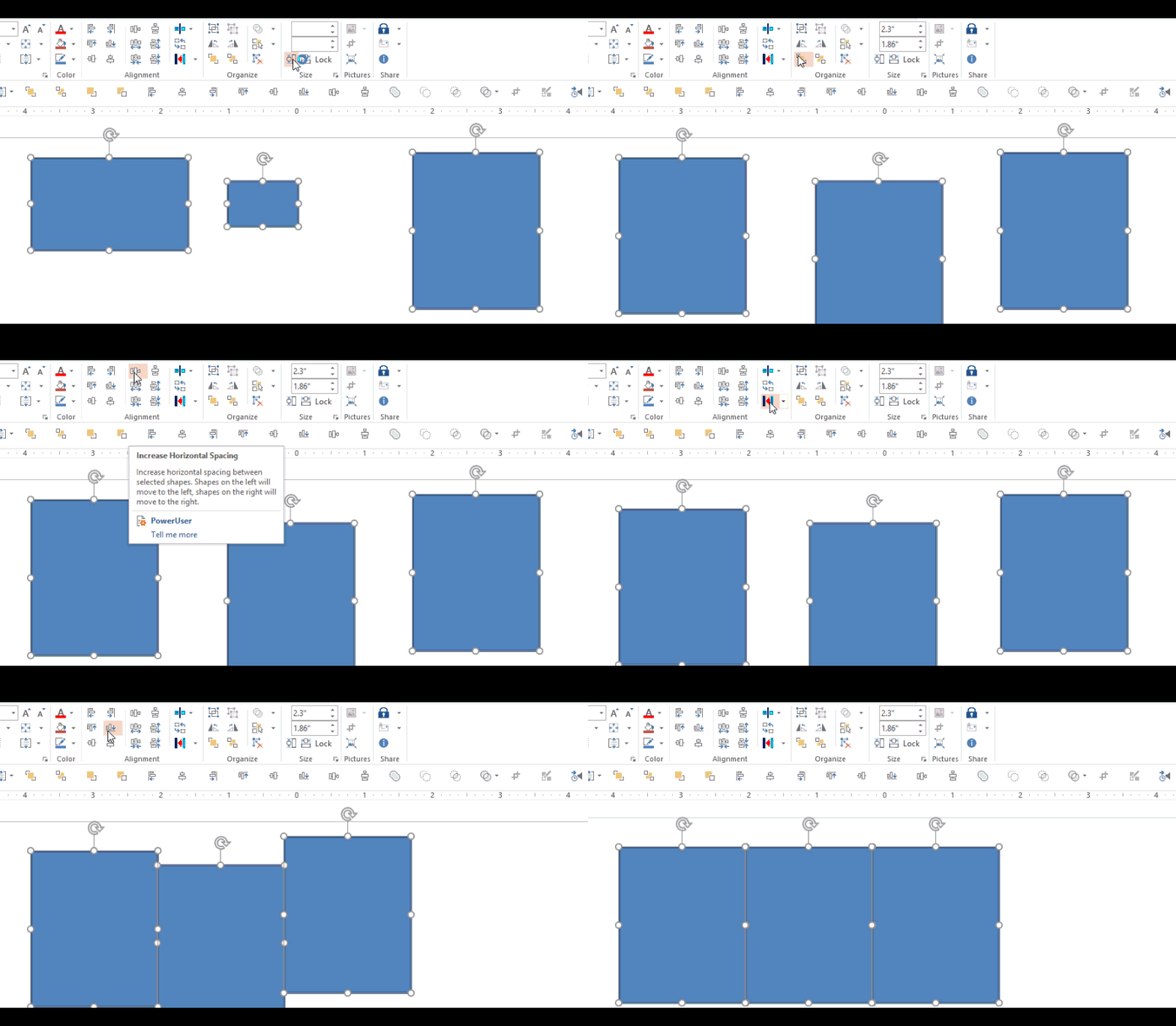
Day 1 – Hemmingway App (Writing help) Day 2 – PollEverywhere (PowerPoint audience participation add-in) Day 3 – The Great Suspender (Memory Manager - Chrome add-in) Day 4 - Grammarly (Writing -Chrome add-in) Day 5 - Dropbox for Gmail (Chrome add-in) Day 6- Canva (online graphics tool) Day 7 - Google Drive for Office (Office add-in) Just about everyoneContinue reading "12 Apps of Christmas-Day 8 -Power User for PowerPoint"
12 Apps of Christmas-Day 7 -Google Drive for MS Office
Day 1 – Hemmingway App (Writing help) Day 2 – PollEverywhere (PowerPoint audience participation add-in) Day 3 – The Great Suspender (Memory Manager - Chrome add-in) Day 4 - Grammarly (Writing -Chrome add-in) Day 5 - Dropbox for Gmail (Chrome add-in) Day 6- Canva (online graphics tool) Earlier in this series, we saw the Dropbox add-in for Gmail andContinue reading "12 Apps of Christmas-Day 7 -Google Drive for MS Office"
12 Apps of Christmas-Day 6 – Canva

Day 1 – Hemmingway App (Writing help) Day 2 – PollEverywhere (PowerPoint audience participation add-in) Day 3 – The Great Suspender (Memory Manager - Chrome add-in) Day 4 - Grammarly (Writing - Chrome add-in) Day 5 - Dropbox for Gmail (Chrome add-in) Canva: Professional Graphic Design for Everyone Do you ever need to create graphics? Virtually everyone does atContinue reading "12 Apps of Christmas-Day 6 – Canva"
12 Apps of Christmas-Day 5 – Dropbox for Gmail

Day 1 – Hemmingway App (Writing help) Day 2 – PollEverywhere (PowerPoint audience participation add-in) Day 3 – The Great Suspender (Memory Manager - Chrome add-in) Day 4 - Grammarly (Writing -Chrome add-in) A lot of people use Gmail and a lot of people use Dropbox. This handy Chrome add-in marries the two nicely and saves a lotContinue reading "12 Apps of Christmas-Day 5 – Dropbox for Gmail"
12 Apps of Christmas-Day 4- Grammarly
Day 1 – Hemmingway App (Writing help) Day 2 – PollEverywhere (PowerPoint audience participation add-in) Day 3 – The Great Suspender (Chrome add-in) Want to a little help being a better writer? (And who doesn't?) Grab the Grammarly Chrome add-in that can help you find and correct "up to 10 times more mistakes than your word processor"Continue reading "12 Apps of Christmas-Day 4- Grammarly"
 Mike Taylor
You must be logged in to post a comment.