
Day 1 – Hemmingway App (Writing help) Day 2 – PollEverywhere (PowerPoint audience participation add-in) Day 3 – The Great Suspender (Memory Manager - Chrome add-in) Day 4 - Grammarly (Writing -Chrome add-in) A lot of people use Gmail and a lot of people use Dropbox. This handy Chrome add-in marries the two nicely and saves a lotContinue reading "12 Apps of Christmas-Day 5 – Dropbox for Gmail"
12 Apps of Christmas-Day 4- Grammarly
Day 1 – Hemmingway App (Writing help) Day 2 – PollEverywhere (PowerPoint audience participation add-in) Day 3 – The Great Suspender (Chrome add-in) Want to a little help being a better writer? (And who doesn't?) Grab the Grammarly Chrome add-in that can help you find and correct "up to 10 times more mistakes than your word processor"Continue reading "12 Apps of Christmas-Day 4- Grammarly"
12 Apps of Christmas-Day 3- The Great Suspender
Day 1 - Hemmingway App (Writing help) Day 2 - PollEverywhere (PowerPoint audience participation add-in) Day 3 - The Great Suspender (Chrome add-in) Too many browser tabs. If you’re anything like me, by the end of the day you have somewhere in the neighborhood of 2,375 browser tabs open. (I’m only slightly exaggerating.) But even if youContinue reading "12 Apps of Christmas-Day 3- The Great Suspender"
12 Apps of Christmas – Day 2 – PollEverywhere
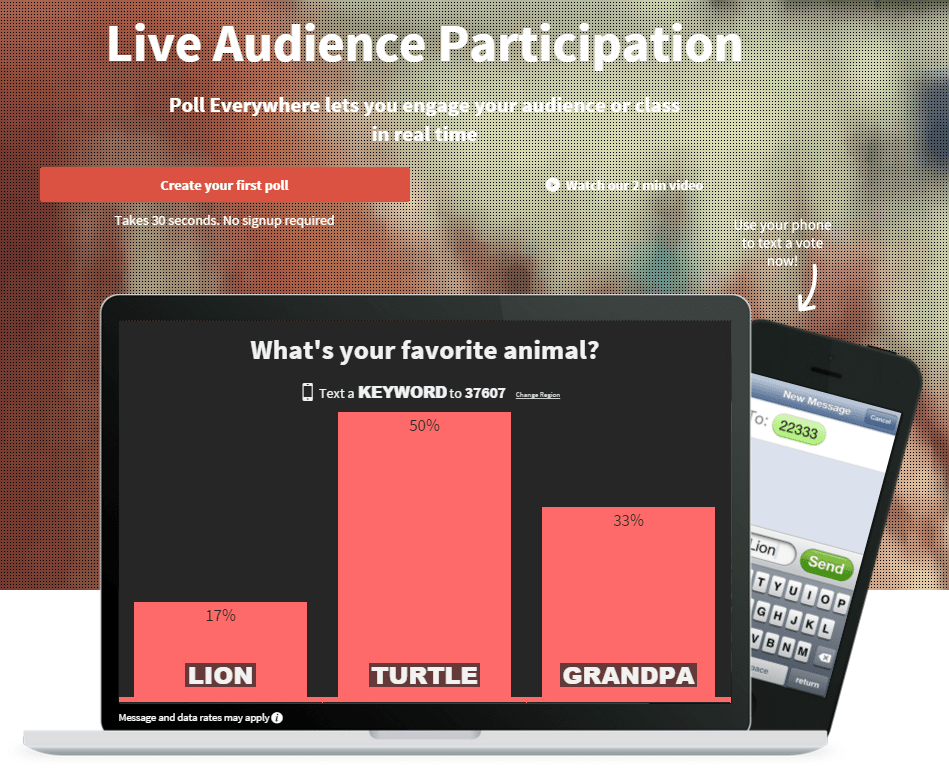
This is the 2nd in a series "12 Apps of Christmas" Hemmingway App PollEverywhere PollEverywhere If you do any presenting you owe it to yourself and your audience to know about PollEverywhere. PollEverywhere gives you options for live audience participation and displaying responses right in your slide deck. (with a working internet connection-so always haveContinue reading "12 Apps of Christmas – Day 2 – PollEverywhere"
12 Apps of Christmas – Day 1 – Hemmingway App
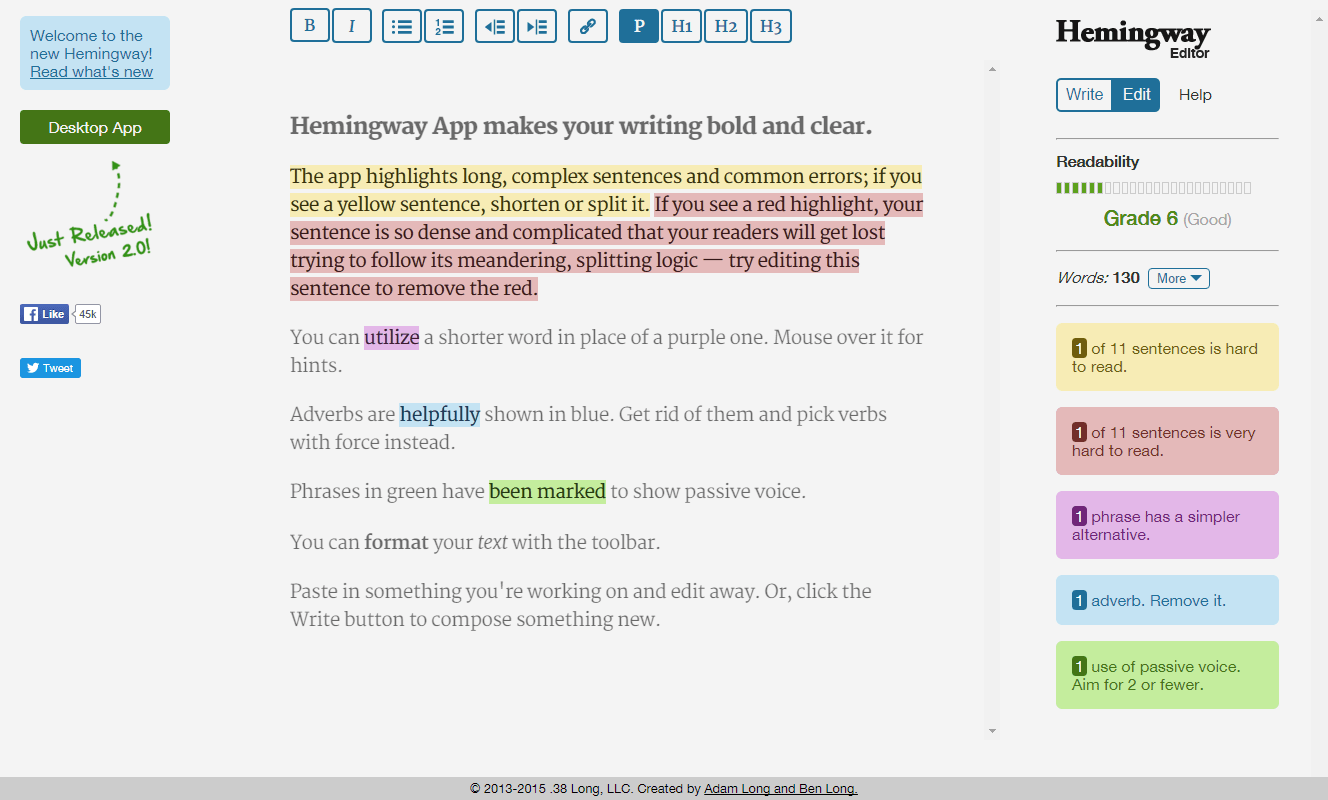
Day 1 - Hemingway App This is one of my very favorite apps. Hemingway can make you're writing better. Personally, I am challenged to keep my writing active and avoid the passive voice. Hemingway helps keep me on the right path. Just paste your text into http://www.hemingwayapp.com/ and see what suggestions you get. You'll be gladContinue reading "12 Apps of Christmas – Day 1 – Hemmingway App"
Curated Collection of Design Resources
I put this together for a recent learning design workshop and wanted to share it with everyone. NOTE: Download the PDF to access all the clickable links in the document. Check out a bigger, broader collection of tools and resources on this page curated by Tracy Parish. https://e-learning.zeef.com/tracy.parish
Multimedia Learning Design Principles
I created this handout for a recent workshop from Richard Mayer's Principles for Multimedia Learning. [ Click the Linkedin icon down at the bottom right to download a copy. ]
The Fastest & Easiest Way to Arrange Multiple Slide Images
I just got back from a workshop where this came in SUPER handy. Especially when you are crunched for time and trying to hit a deadline this is a great trick to have up your sleeve.
Free Download: Storyline Elearning Navigation Menu

As I was browsing through my morning reading recently, I came across this nifty navigational demo on the codyhouse.com website. I think this makes a nice addition to an online course so I crafted a quick example in Storyline. View Demo | Download Storyline file
Sharing Some PowerPoint & Elearning Slide Designs

As I recently cleaned out some old files, I came across these PowerPoint slide designs that I never used. Since its International Work Out Loud Week I thought I'd share these for anyone who might be able to use them for a presentation or online course. Download PowerPoint Slides
 Mike Taylor
You must be logged in to post a comment.