
Visual Design Solutions by Connie Malamed @elearningcoach | TheElearningCoach.com You might not be able to judge a book by it’s cover, but whether you know it or not your audience is making snap decisions about your learning materials at first glance. It DOES matter what your stuff looks like and if you’re looking to upContinueContinue reading “Why “Visual Design Solutions” Should Be on Your Bookshelf”
Author Archives: Mike Taylor
Recent Discoveries
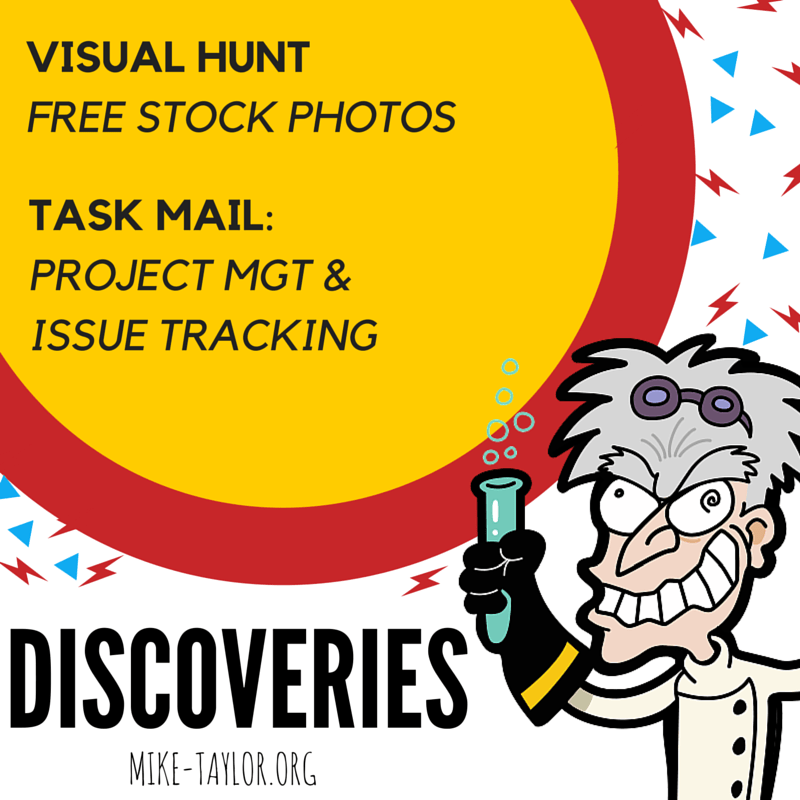
Discoveries this week include a great source of free stock photos and a handy system for managing team/group tasks. Visual Hunt There are a boat load of sites offering free stock photos these days but few, if any, offer the features of Visual Hunt. Some of the things I like about it is the abilityContinueContinue reading “Recent Discoveries”
Recent Discoveries Worth Sharing

It’s been a bit quiet around here for awhile but a few recent conversations with some wonderful people have me re-energized and given me a nudge to get going again. So here are a few things I’ve uncovered recently that I think are worth sharing. Vivaldi: A Customizable Web Browser I’ve been test driving Vivaldi,ContinueContinue reading “Recent Discoveries Worth Sharing”
7 Free Course/Content Hosting Options

UPDATE: The Dropbox and Google Drive options were retired and no longer work. I’ve added an option for the Google Cloud Platform which works really well and is similar to Amazon S3. Tempshare This free solution only works if you use Articulate Storyline or Studio ‘13 Publish, Zip, Drag & Drop. Getting your course onlineContinueContinue reading “7 Free Course/Content Hosting Options”
Mindset Digital Podcast

My very talented colleagues at Mindset Digital have launched a podcast. It is working it’s way through the channels of all the popular podcast platforms including iTunes, Stitcher and others. I’m excited to share our first episode which includes a useful “Tool Time” tip (at the 14:19 mark) about using RSS and a feed readerContinueContinue reading “Mindset Digital Podcast”
My PKM Process
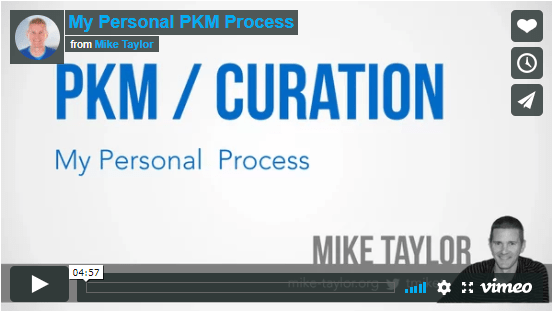
Shannon Tipton, recently asked if I could share my process for keeping up with the topics I’m interested in and how I curate the best thing that I find along the way. Here is a video walking through my personal set up for keeping up, organizing and sharing — and doing it efficiently with aContinueContinue reading “My PKM Process”
Social Bookmarking
Harold Jarche has said that using social bookmarking could be “…the simplest way to start sharing organisational knowledge.” and I totally agree. It’s also an easy way to get started with the concept of “Working Out Loud” and curation. It is super easy to get started with social bookmarks and it’s only slightly different from whatContinueContinue reading “Social Bookmarking”
Slide Makeover: Fill The Page

Over the years I’ve seen a lot of slides as part of either online courses or presentation decks. One common area for improvement that I see is not using the full slide. Fortunately, this is usually a pretty easy thing to fix. Let’s take a look at an example. This first slide is a prettyContinueContinue reading “Slide Makeover: Fill The Page”
Read It Later Apps
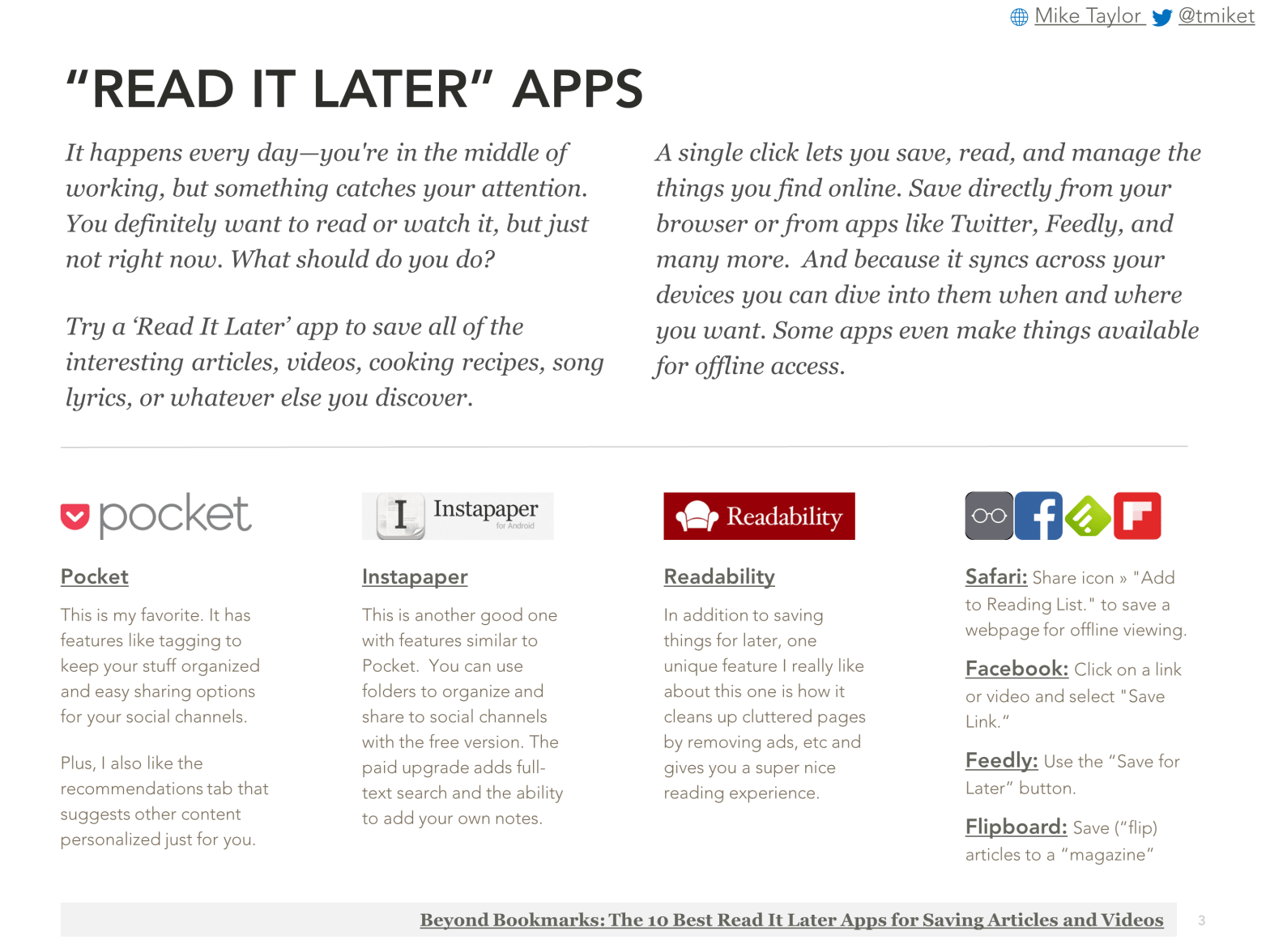
It happens every day—you’re in the middle of working, but something catches your attention. You definitely want to read or watch it, but just not right now. What should do you do?Try a ‘Read It Later’ app to save all of the interesting articles, videos, cooking recipes, song lyrics, or whatever else you discover. TryContinueContinue reading “Read It Later Apps”
TAKE AWAY: Creating Your Own Personalized Information Feed
In my previous post, I talked about using a Feed Reader as a better way to do the work of keeping up and engaging with the best and latest advances in your field. I’m also sharing this within our org and have put together this one page handout to accompany it. You can grab a copy of “KeepingContinueContinue reading “TAKE AWAY: Creating Your Own Personalized Information Feed”
 Mike Taylor
You must be logged in to post a comment.