
This week Jane Hart (@c4lpt) published the results of this year’s Top Learning tools survey. If you haven’t seen it yet, you should definitely pop over there and take a good look. Alternatively, I’ve included her slide deck for your convenience. I’ve contributed every year since the first one back in 2007. Here is whatContinueContinue reading “A Look at Over Ten Years of Top Learning Tools”
Category Archives: PowerPoint
Friday Finds | September 29, 2017

Keep up on designing for brains, retrieval practice, big guide to curation & more
Friday Finds | September 22, 2017

Enhancing Learning Through Graphics and Emotional Design I’m a big advocate of instructional designers or anyone creating content for learning, understanding the design principles that enable them to create multimedia learning elements that can promote and facilitate learning. Too often, many people tasked with this job are unknowingly creating things that do more harm thanContinueContinue reading “Friday Finds | September 22, 2017”
3 Easy Ways to Cut Text And Upgrade Your Slides

Reading your slides is public enemy #1 when it comes to presenting and your audience hates it more than anything! And if you do it because you want to reach visual learners, there is no such thing. Research shows that when people both hear and see the same verbal message they have trouble focusing onContinueContinue reading “3 Easy Ways to Cut Text And Upgrade Your Slides”
Friday Finds | September 15, 2017

I’m enjoying my favorite time of year. The weather is turning cooler but the great stuff in learning, technology, and social media is still as hot as ever. Here are a few of the best things that flew across my radar this week. The college lecture is dying. Good riddance. As you read this, considerContinueContinue reading “Friday Finds | September 15, 2017”
Converting Keynote to PowerPoint
There are so many great designers sharing their work these days. For example, this beautiful Keynote presentation template popped up in my morning reading yesterday. There are times like this when I’d really like to pull this over to use it or some of the elements in PowerPoint. Fortunately, there is a super quick andContinueContinue reading “Converting Keynote to PowerPoint”
My 2017 Top 10 Learning Tools
It’s my favorite time of year again. School is back in session, the summer heat is giving way to comfortably cool evenings and it’s time to make my annual contribution to Jane Hart’s Annual Learning Tools survey. 1. Feedly [ Personal, Workplace ] Simply the best way to keep up with the things you’re interestedContinueContinue reading “My 2017 Top 10 Learning Tools”
Friday Finds | August 18, 2017

School is back in session here and we’re celebrating our amazing daughter’s birthday. There is a lot to be thankful for including some of these things that surfaced on my radar this week. Cheers! Does eLearning Work? What the Scientific Research Says! What does the scientific research tell us about elearning effectiveness, particularly as itContinueContinue reading “Friday Finds | August 18, 2017”
Advanced Eyedropper Tip + 29 More Expert PowerPoint Hacks

Most people who work in PowerPoint regularly, probably know how to use the Eyedropper tool. The Eyedropper too works really well for precisely matching colors from a shape or picture in your presentation to other parts of your deck for a consistent design. But what do you do if you want to match a colorContinueContinue reading “Advanced Eyedropper Tip + 29 More Expert PowerPoint Hacks”
Software Simulations the Free, Quick & Easy Way
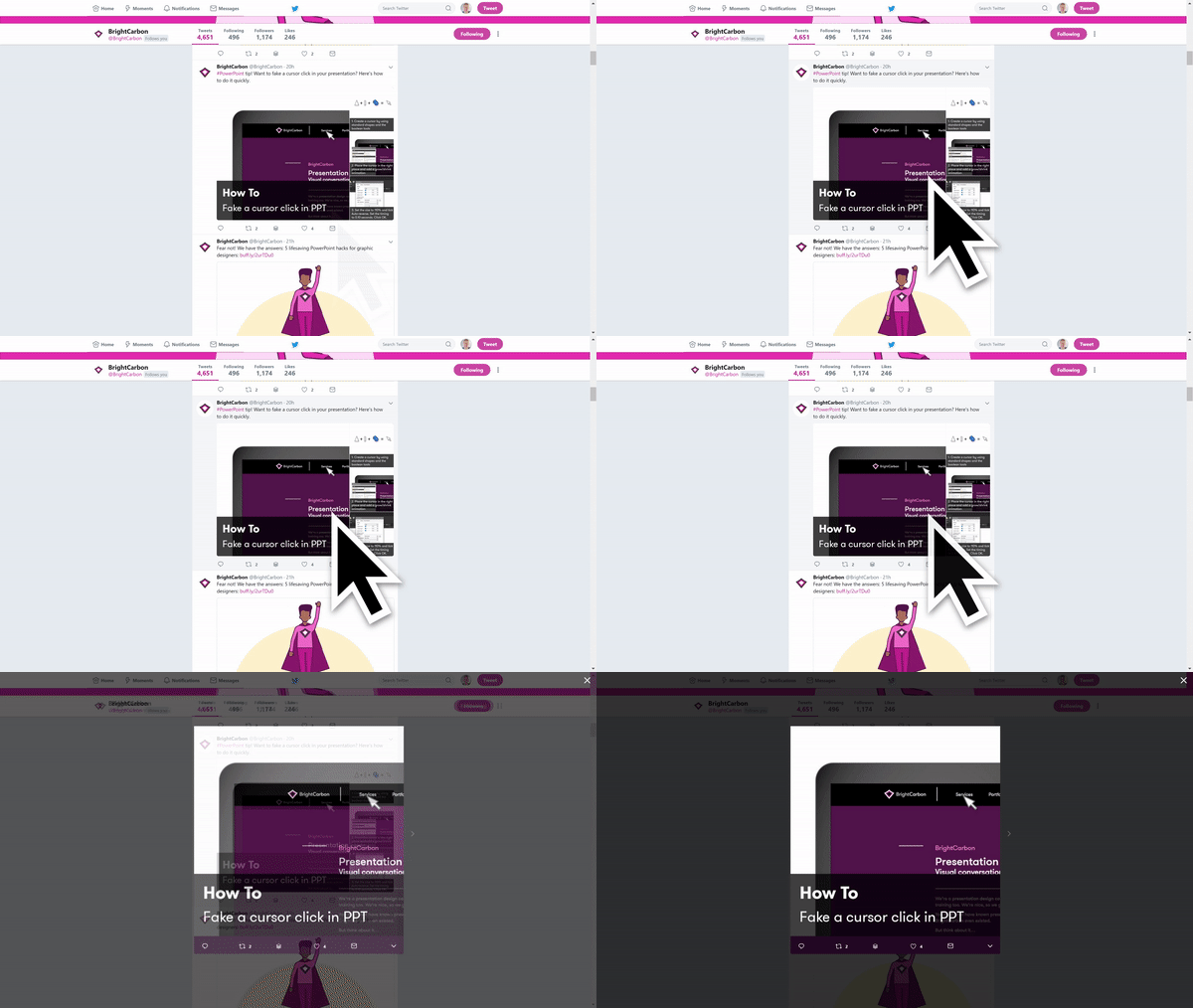
BrightCarbon shared this slick little slide tip for simulating a cursor click that has been one of my favorites for a long time now. https://twitter.com/BrightCarbon/status/893131867578413057 My version is very similar except I don’t build my own cursor and use a float in / float out animation instead of a grow/shrink. I made a quick oneContinueContinue reading “Software Simulations the Free, Quick & Easy Way”
 Mike Taylor
You must be logged in to post a comment.